

How Can We Help?
Uploading files to Sanview
This article explains about the separate interface we have for handling client files. You will get a user ID and a password to login to our ‘Sanview Logs’ portal site at http://logs.sanview.uk. You will be presented with this panel ..
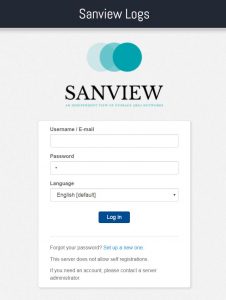
Simply enter the user ID and password that you were given by Sanview (and optionally select your language) and you’ll then enter into further screens with options to upload/download files in your own private space, only visible to you and Sanview. Maximum file size for uploads is 2048MB. Files will expire from view after 30 days by default.
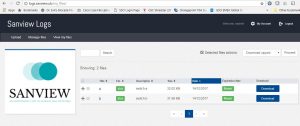
Alternatively, we can provide the similar user credentials to enable file upload/download by FTP, this is done per user and is not a ‘public’ area.